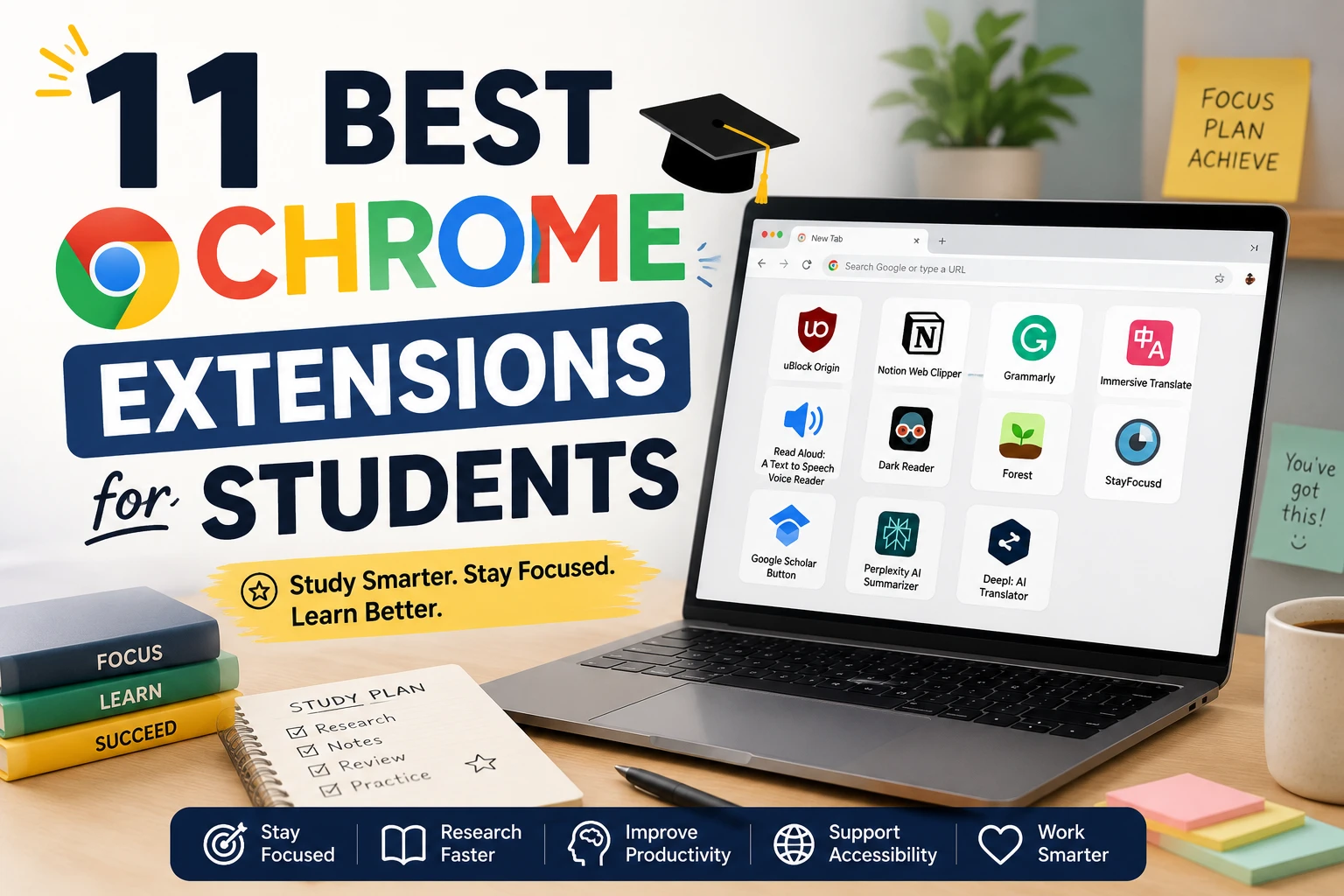

A practical, Reddit-informed list for real student life: research, writing, reading, focus, accessibility, and multilingual study.
Students do not need more “productivity theater.” They need tools that remove friction: fewer distractions, easier reading, faster citation capture, cleaner tabs, and better support when studying in a second language or with ADHD, dyslexia, migraines, or sensory overload. To build this list, I looked for extensions that kept showing up in Reddit discussions from students, language learners, grad students, and accessibility communities, then cross-checked them against official extension pages and pricing.
I also tried to avoid obvious self-promo. That matters because Reddit is full of founders recommending their own tools. The extensions below are the ones that repeatedly solved real problems students mentioned: “I can finally listen to my reading,” “this saved my citations,” “this stopped my tab chaos,” or “this made the page readable again.”
Quick comparison table
| # | Extension | Best for | Why it matters for students | Free or paid? |
|---|---|---|---|---|
| 1 | Zotero Connector | Research and citations | Save papers, metadata, and references while browsing; huge time-saver for essays and literature reviews. | Free; optional paid Zotero storage if you sync lots of files |
| 2 | uBlock Origin Lite | Cleaner, safer browsing | Blocks ads, trackers, and junk that slow down studying and make pages unreadable. | Free |
| 3 | Read Aloud | Text-to-speech | Great for long readings, textbooks, and online course pages; especially useful for ADHD, dyslexia, and fatigue. | Free plan; paid premium voices optional |
| 4 | Helperbird | Accessibility toolkit | Combines TTS, dyslexia fonts, overlays, rulers, OCR, and reading tools in one place. | Free core version; Pro paid |
| 5 | Immersive Translate | Bilingual reading and PDF translation | Excellent for international students reading papers, websites, subtitles, and PDFs side-by-side. | Free with fair-use limits; paid tiers available |
| 6 | Google Translate | Fast word and phrase translation | Simple, low-friction support for unfamiliar words while reading online. | Free |
| 7 | Dark Reader | Eye strain and visual comfort | Makes bright sites easier to read and can help students with migraines, light sensitivity, or heavy night study. | Free / donation-supported |
| 8 | OneTab | Tab overload | Turns twenty messy research tabs into one organized list and can lighten memory usage. | Free |
| 9 | StayFocusd | Blocking distractions | Useful when “just checking one thing” becomes an hour on Reddit, YouTube, or shorts. | Free |
| 10 | Obsidian Web Clipper | Saving web research to notes | Clips articles and highlights into local Markdown notes, which is great for essays and project prep. | Free and open source |
| 11 | Deceptioner | AI Text Humanizer | Rewrites text to sound natural and helps avoid false-positive flags from academic AI detectors. | Free plan; paid upgrades available |
If you only install three, my best all-around trio is: Zotero Connector, Read Aloud, and uBlock Origin Lite.
Why these 11 stand out
1) Zotero Connector
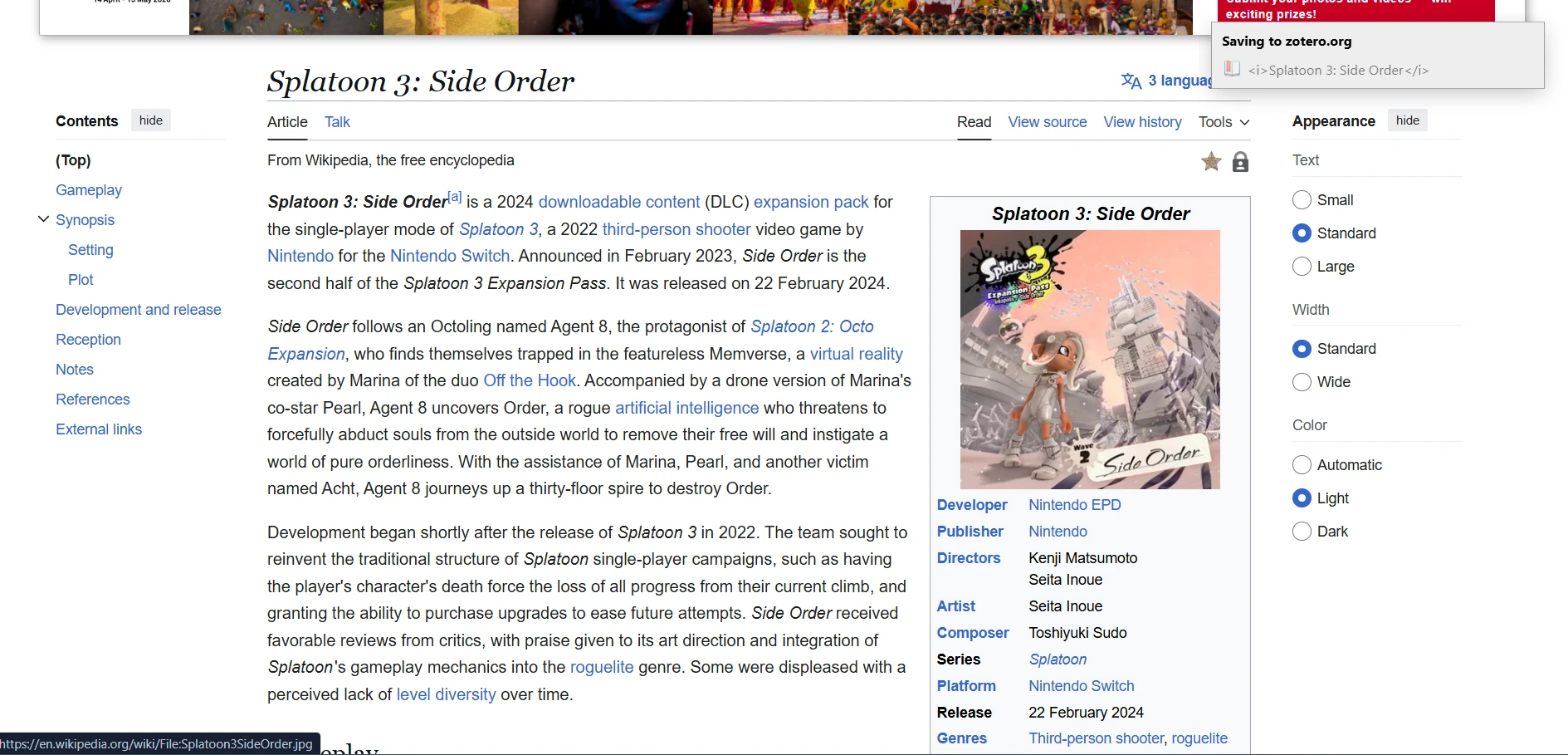
This is the most obvious “serious student” extension on the list, but it earns the hype. Reddit posts from grad students and researchers keep describing the connector as the part that makes Zotero painless: click once, save the citation, and move on. That is exactly what students need when papers pile up.
- Best for papers, source capture, and citation-heavy writing.
- Especially good for undergrads moving into bigger research assignments.
- Pairs well with Obsidian or a note-taking app, because Zotero handles citation accuracy.
2) uBlock Origin Lite
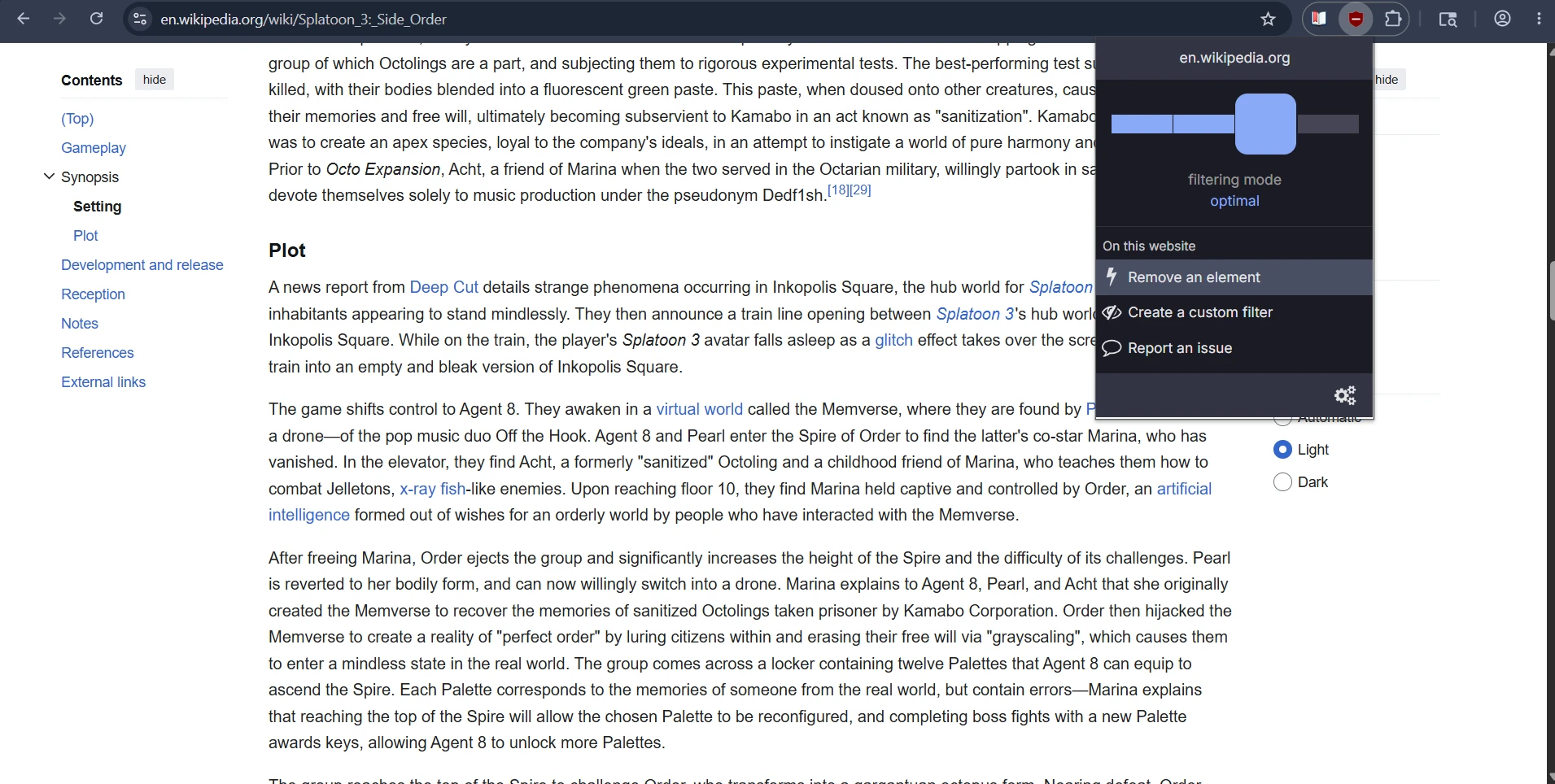
Students on Reddit repeatedly mention ad blockers for a simple reason: many study sites are awful without one. Cleaner pages mean less visual junk, fewer fake download buttons, fewer pop-ups, and less wasted attention. For international students studying from random web sources, that is a real quality-of-life upgrade.
- Best for cluttered sites, sketchy pages, and reading-heavy sessions.
- Also useful for neurodivergent students who get derailed by motion and visual noise.
- On Chrome, use the Lite version because the old full version is no longer the practical Chrome option.
3) Read Aloud
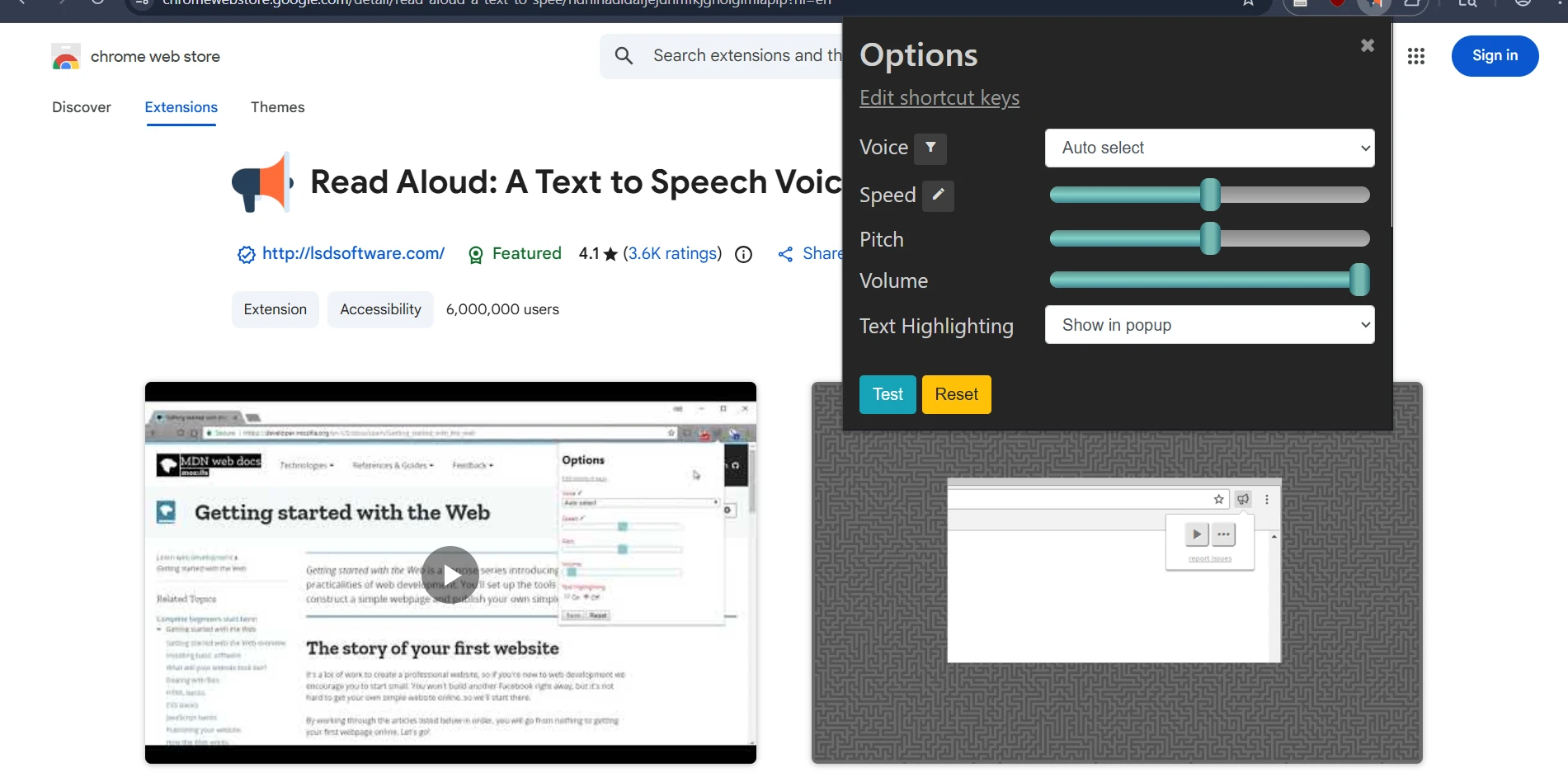
This one came up in ADHD and student discussions for good reason. It reads webpages, textbooks, and course materials aloud, and that can turn a stuck reading session into something manageable. Students with processing issues often describe “reading with audio at the same time” as the difference between skimming and actually retaining information.
- Best for long readings, online course modules, and late-night study fatigue.
- Low barrier to entry: install it, highlight text, and start listening.
- The free version is enough for many students.
4) Helperbird
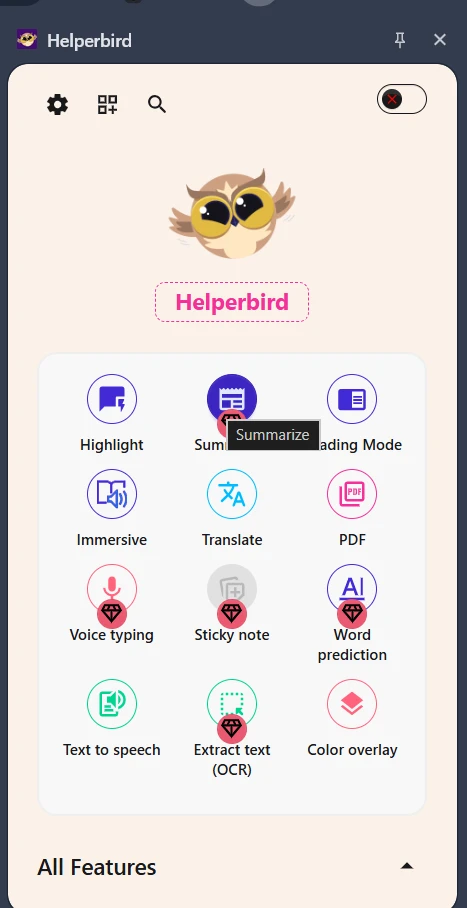
Helperbird is the “all-in-one accessibility drawer” pick. If you want one extension that bundles text-to-speech, dyslexia-friendly fonts, reading rulers, overlays, OCR, and writing support, it is hard to beat. Reddit mentions it often in dyslexia and study-access discussions because it solves multiple problems at once.
- Best for dyslexia, ADHD, visual stress, and sensory needs.
- Also useful for international students who want translation plus reading support in one tool.
- More feature-rich than most single-purpose extensions.
5) Immersive Translate
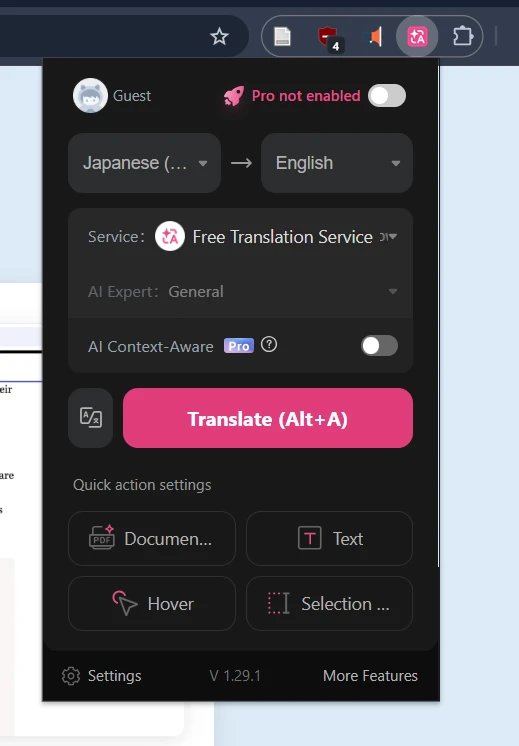
This is the strongest pick here for international students. Instead of replacing the original text completely, it can show bilingual content in a way that is easier to follow. That matters for reading academic papers, admission materials, technical docs, and subtitles without constantly losing context.
- Best for bilingual web reading, foreign-language PDFs, and subtitles.
- Useful for students learning in English but thinking in another language.
- More powerful than the basic translate-on-selection workflow.
6) Google Translate
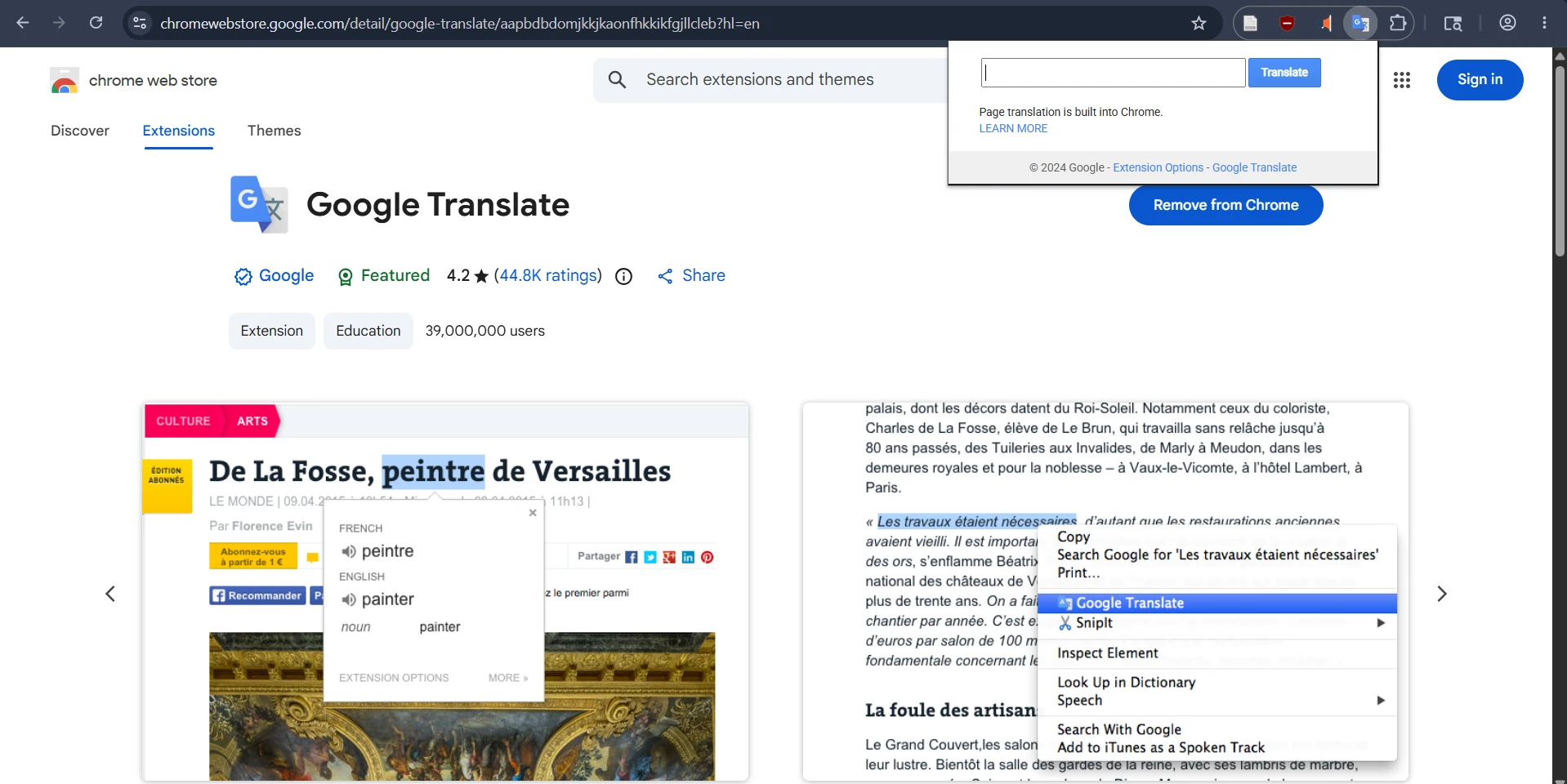
Google Translate is not flashy, but it is still one of the fastest ways to get unstuck. Reddit language learners still recommend it because the workflow is simple: highlight a word or phrase, get the meaning, keep moving. That matters when your goal is finishing the reading instead of opening six extra tabs.
- Best for quick word-level or phrase-level help.
- A smart backup even if you already use Immersive Translate.
- Simple enough for everyday use across classes.
7) Dark Reader
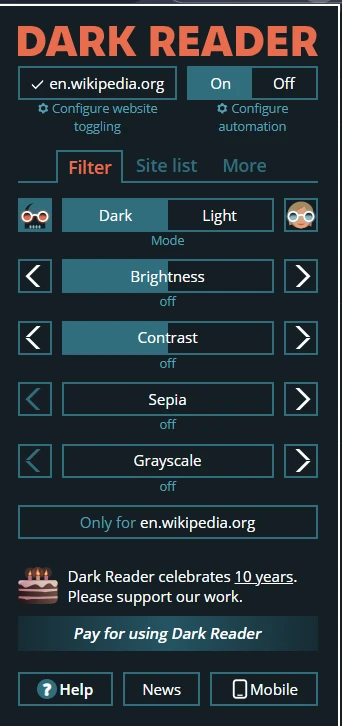
Dark Reader is not just an aesthetic extension. Reddit threads from students and people with migraines or ADHD repeatedly describe it as making reading easier and less irritating. When you spend hours in Docs, LMS pages, PDFs, and article sites, visual comfort matters more than people admit.
- Best for night study, eye strain, migraines, and light sensitivity.
- Custom brightness, contrast, sepia, and font settings help tailor the page.
- Works across sites instead of only inside one platform.
8) OneTab
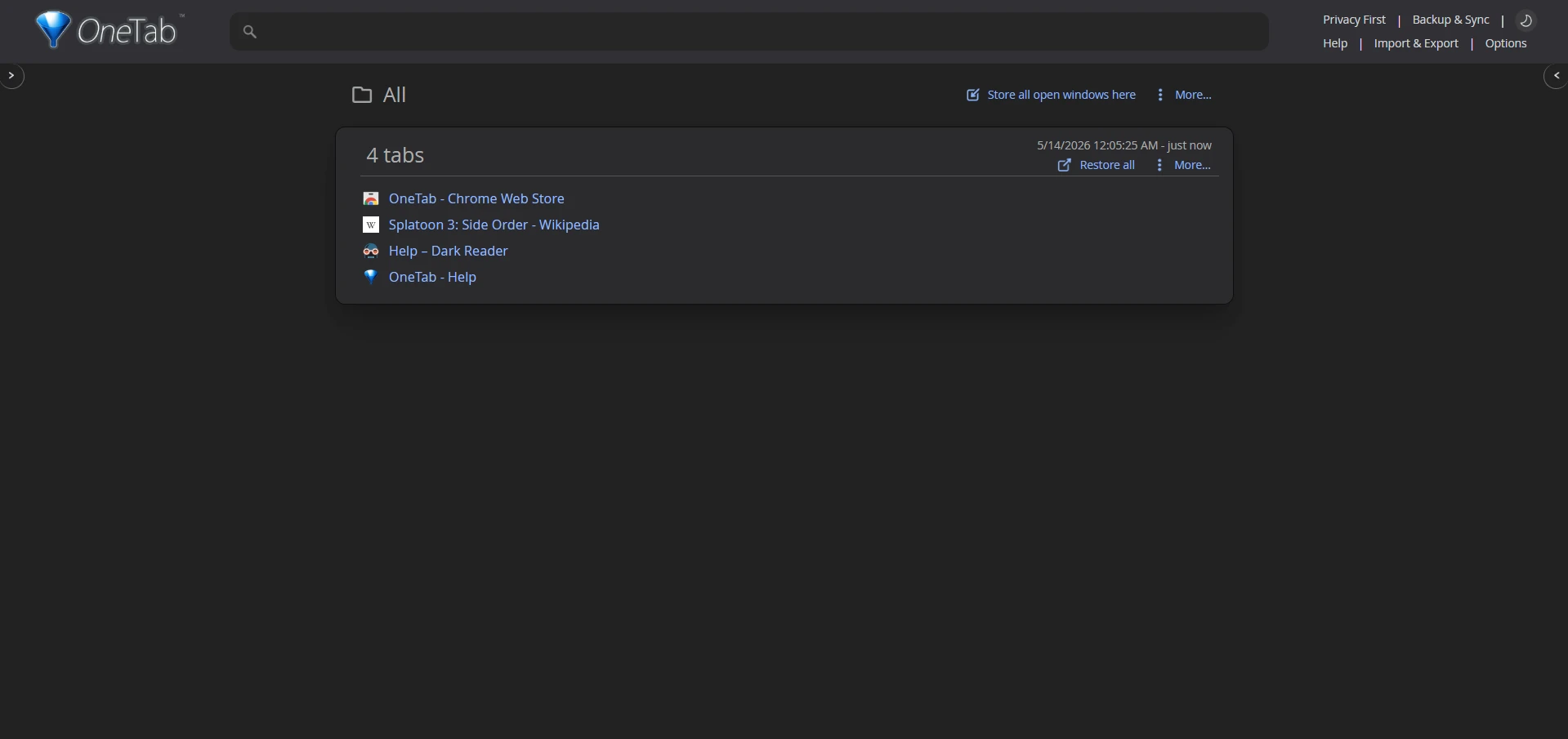
Research tabs breed like rabbits. OneTab is still one of the simplest fixes: collapse them into a list, restore what you need later, and stop using open tabs as a substitute for memory. Reddit users recommend it to people drowning in browser chaos, and students are exactly that audience during assignment season.
- Best for essay research, project planning, and tab hoarding.
- Useful on older laptops that slow down under tab overload.
- Helps reduce overwhelm when every class has its own resources open.
9) StayFocusd
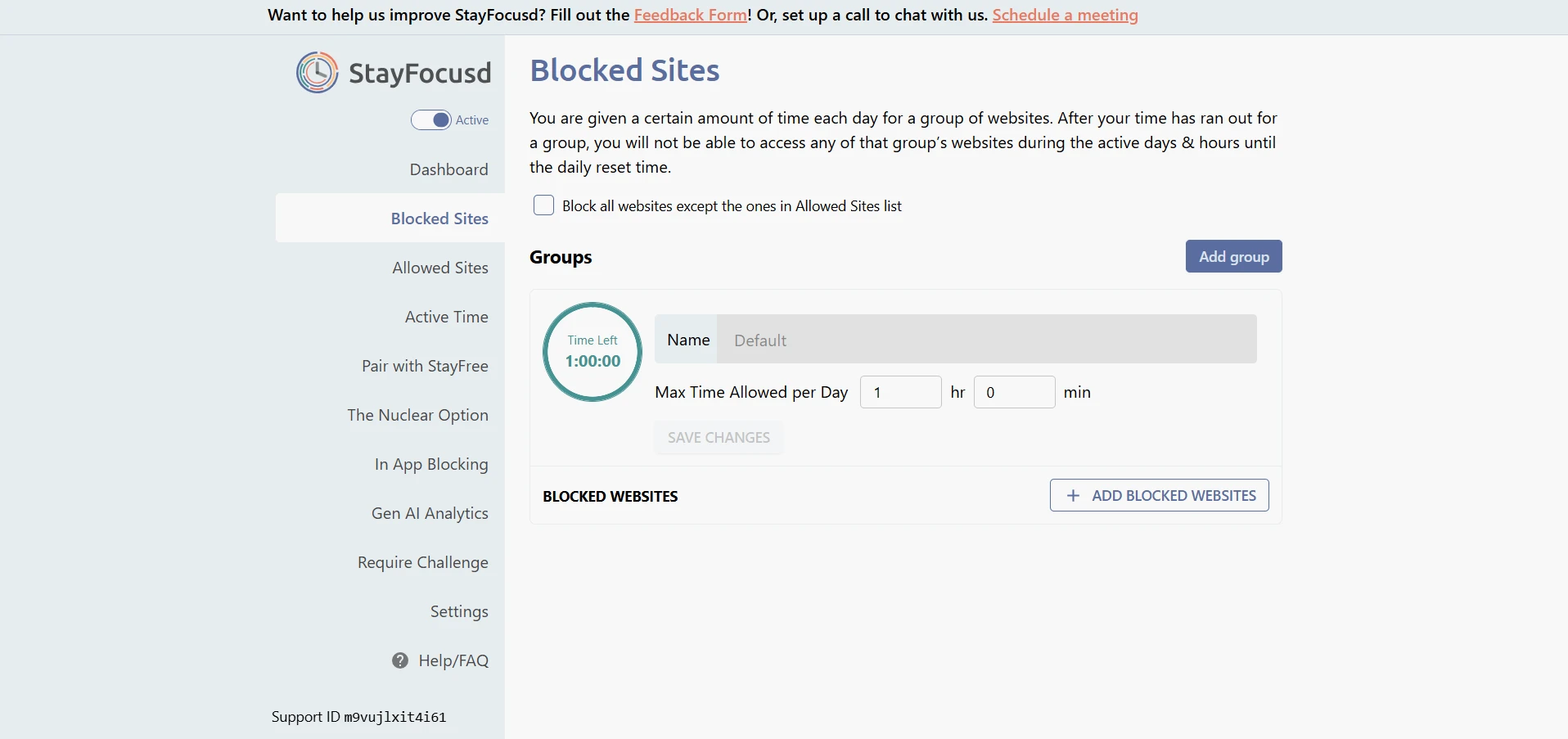
This is the blunt instrument pick, and sometimes blunt is good. Students on Reddit have been recommending it for years because it gives your study session guardrails. If your problem is not “I need a better system” but “I keep opening the wrong sites,” that matters.
- Best for procrastination loops and doom-scrolling.
- The Nuclear Option is useful when you need real friction.
- Strong choice during exam weeks and deadline crunches.
10) Obsidian Web Clipper
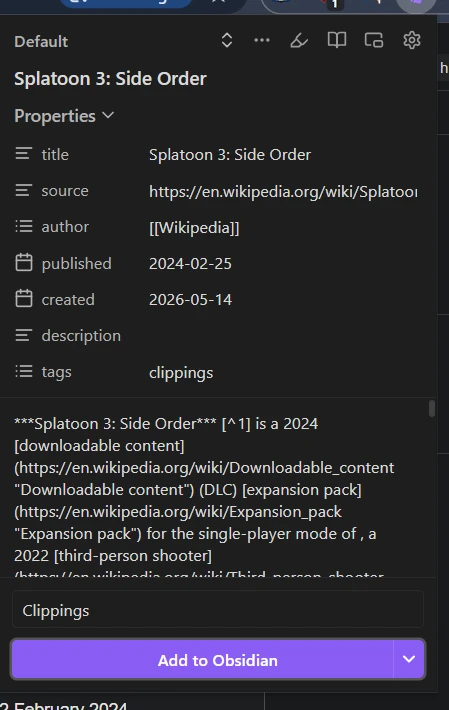
Some students save everything in bookmarks and never revisit it. Obsidian Web Clipper is better if you actually want those articles to become notes. It stores clipped content locally in Markdown, which appeals to students who want a durable, searchable research archive instead of a pile of browser tabs.
- Best for essay prep, reading notes, and building a personal knowledge base.
- A strong complement to Zotero, not a replacement for formal citation management.
- Excellent for students who already use Obsidian.
11) Deceptioner
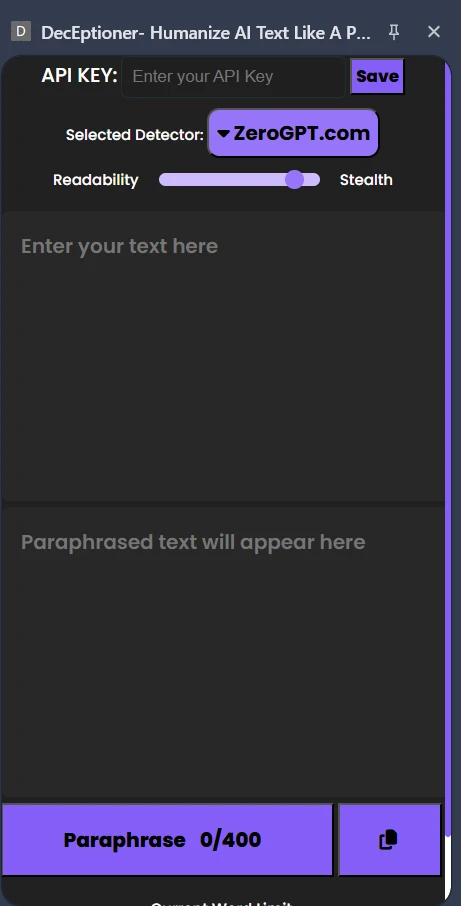
With universities increasingly relying on AI detectors like Turnitin or GPTZero, many students face the nightmare of getting "false positives" on their original work. Deceptioner is an AI-powered humanizer extension that rewrites text to sound more natural and bypasses these detectors. It allows you to tweak readability and stealth directly in your browser text fields, acting as a valuable safety net.
- Best for avoiding false AI-detection flags on essays and assignments.
- Lets you humanize text in real-time inside any browser text box.
- A lifesaver for students who use AI for brainstorming or grammar checks but want to ensure their final submission reads naturally and passes detection safely.
Best picks by student type
If you do not want to install eleven extensions, start with the set that matches your biggest bottleneck.
- For writing and drafting: Deceptioner, Zotero Connector, Obsidian Web Clipper.
- For research-heavy students: Zotero Connector, Obsidian Web Clipper, OneTab.
- For international students: Immersive Translate, Google Translate, Language support inside Helperbird.
- For neurodivergent students: Read Aloud, Helperbird, Dark Reader, uBlock Origin Lite.
- For procrastinators: StayFocusd, OneTab, uBlock Origin Lite.
The biggest pattern from Reddit was not “students want clever tools.” It was “students want less friction.” The best extensions reduce mental switching costs: fewer ads, easier translation, clearer pages, audio support, and faster capture of useful information.